I Will Safely Migrate Your WordPress Website to a New Hosting Provider
0 sales
- 53 views
- Save
0 /5.0
User review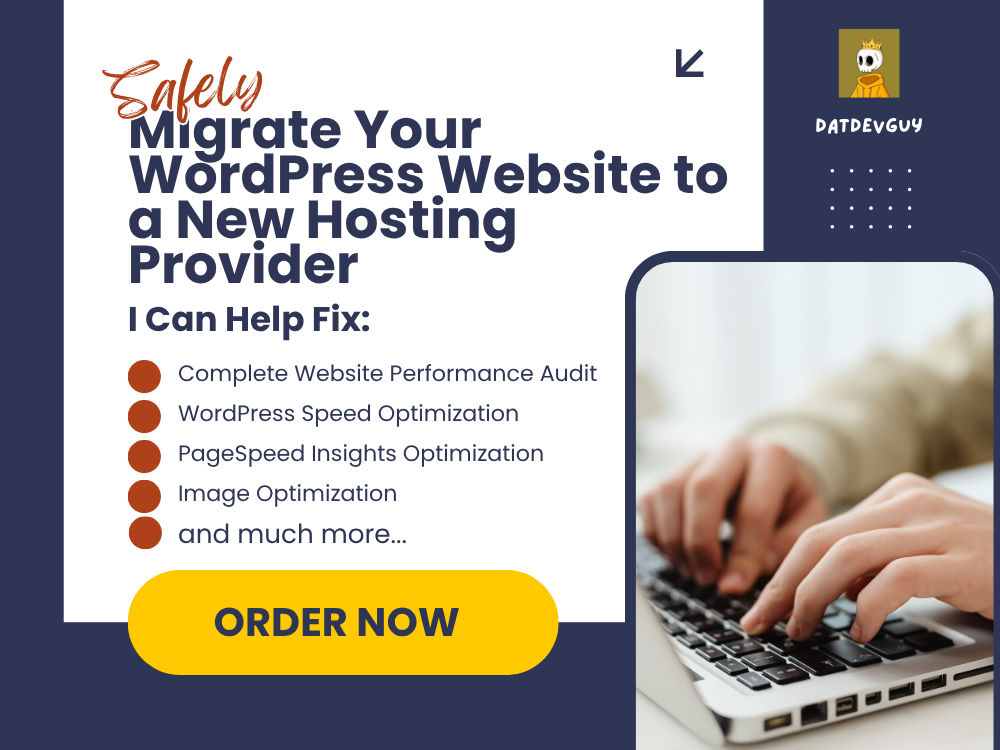

Planning to move your WordPress website to a new hosting provider? A website migration can be stressful, especially when you're concerned about downtime, data loss, or broken functionality.
I provide professional WordPress migration services to safely transfer your website from one hosting provider to another while preserving your website's design, content, functionality, and SEO settings. Whether you're moving to improve performance, reduce hosting costs, or upgrade your hosting environment, I'll ensure your migration is handled carefully and efficiently.
From backing up your website and transferring files to updating configurations and testing everything after the move, I'll help make your migration as smooth and hassle-free as possible.
Professional WordPress Website Migration Service
Moving your WordPress website doesn't have to be complicated. I offer secure and reliable WordPress migration services designed to minimize downtime and ensure your website continues to perform as expected after the transfer.
Whether you're migrating a personal blog, business website, portfolio, or WooCommerce store, I'll handle the technical process so you can focus on running your business.
What's Included
- Full Website Backup Before Migration
- WordPress Website Migration
- Database Transfer
- Themes & Plugins Migration
- Media Files Transfer
- DNS & Domain Configuration Assistance
- SSL Configuration
- Website Testing After Migration
- Broken Link Checks
- Basic Performance Check
- Basic SEO Preservation
- WooCommerce Migration (Premium & Pro)
- Email Configuration Guidance (where applicable)
Why Choose Me?
- Professional WordPress Developer
- Secure & Reliable Migration Process
- Minimal Downtime
- Careful Data Handling
- SEO-Friendly Migration
- Fast Communication
- On-Time Delivery
- Ongoing Support Available
Every migration is planned carefully to reduce disruption and ensure your website works correctly on its new hosting environment before the project is completed.
Frequently asked questions
1. What do I need to provide before the migration?
You'll need to provide access to your current hosting account, your new hosting account, and your WordPress admin dashboard. If your domain settings need to be updated, temporary access to your domain registrar may also be required.
Will my website experience downtime?
I plan every migration carefully to minimize downtime. While a brief interruption may occur during DNS propagation or final switching, I'll work to keep your website available for as much of the process as possible.
3. Will my website content and images be preserved?
Yes. Your website's pages, posts, media files, themes, plugins, and database content will be migrated to the new hosting environment.
4. Can you migrate WooCommerce websites?
Yes. WooCommerce stores can be migrated while preserving products, categories, customer accounts, and order data. WooCommerce migration is included in the Premium and Pro packages.
5. Will my SEO be affected?
The migration process is carried out with SEO best practices in mind to preserve your website's URLs, metadata, and search engine visibility wherever possible.
6. Do you configure SSL certificates?
Yes. Basic SSL configuration is included with all packages. More advanced troubleshooting or hosting-specific SSL issues can also be addressed if required.
7. Do you provide revisions?
Yes. Revisions are included according to the package you select to ensure your website is functioning correctly after migration.
8. Can you help if something goes wrong after the migration?
Absolutely. I'll test your website after the migration and address any migration-related issues covered within your selected package. Ongoing maintenance and technical support are also available through a separate service.